Choose an available route
Your subscription syncs available nodes so you can choose one for the network you are on.

One subscription keeps independent nodes in sync. Mainland China services stay direct by rule, while other traffic can use the route you choose.
Get started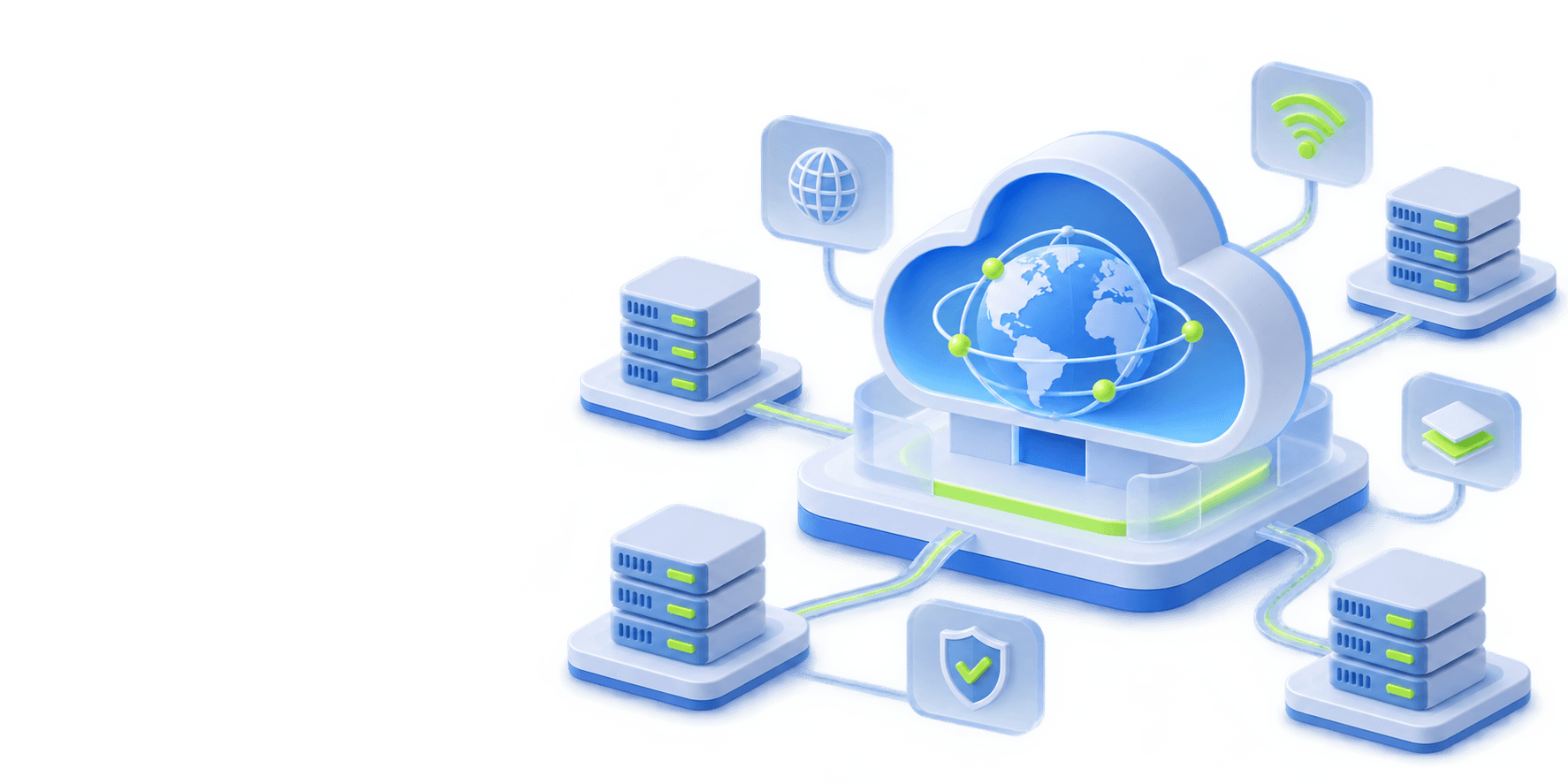
Your subscription syncs available nodes so you can choose one for the network you are on.
Traffic between the client and node remains encrypted, with credentials managed separately.
When one node is under maintenance, the other available routes remain selectable.
Each route is deployed and maintained separately
Switch routes directly in your client
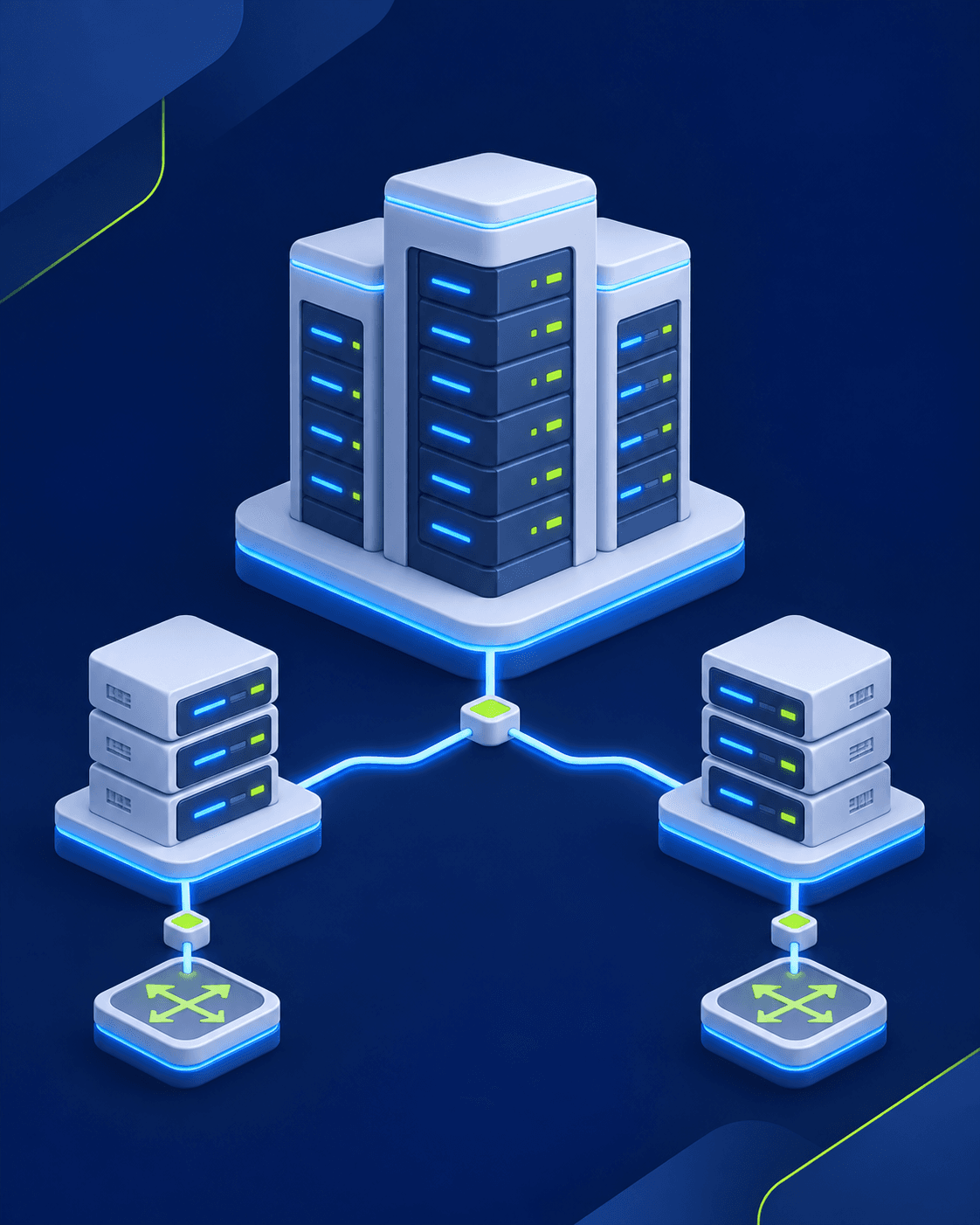
Nodes run separately while status is synchronized through one subscription. If your network changes, choose another available route in the client.
The entry point stays the same as nodes change
Work on one node leaves the others unchanged
Choose the better node from the same subscription.
One address syncs nodes and account usage.
Rules keep common mainland China services on your local network.
Use the same subscription on desktop and mobile.
Every subscription has its own credential and lifecycle.
Maintenance on one node does not change the others.
Copy one subscription address into the client you already use.
Import the shared subscription on desktop, then switch available routes from one interface.
Choose a route for your network and situation. Browsing, media, and everyday tools can all switch nodes within the same subscription.